Digital Guides
Canva Free vs Pro: What You Actually Get
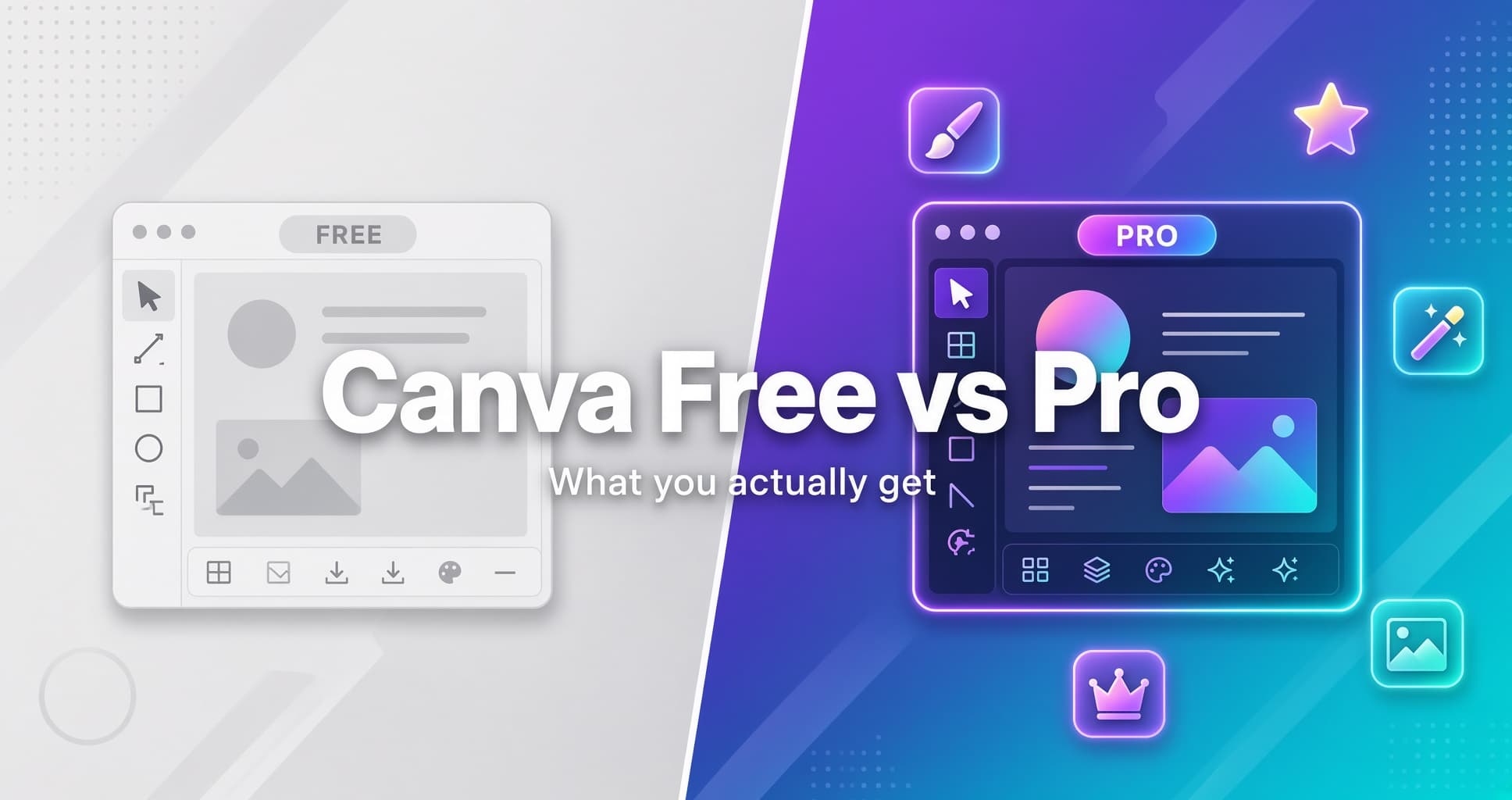
Canva Free vs Pro: which one do you need? Canva Free is enough for casual designs. Canva Pro is worth it if you design often, work with a brand, or want to save time. Pro adds premium content, Background Remover, more AI, Brand Kits, social scheduling and print-ready export.
Canva is one of the most popular design tools in the world. Students use it for presentations, small businesses use it for social media posts, and freelancers use it for client work. Most people start on the free plan, then wonder whether Canva Pro is worth paying for.
This guide explains what you get on each plan, what Pro really adds, how much it costs, and who should upgrade. At the end, we show where to get Canva Pro in Pakistan through WhiteDolphin Mart.
What you get with Canva Free
Canva Free costs nothing and covers the basics well. According to Canva's pricing page, the free plan includes:
- The drag-and-drop editor with 1,000+ design types
- 1.6 million+ templates to start from
- 4.7 million+ photos, videos, graphics and audio files
- 5GB of cloud storage
- 1 Brand Kit
- Real-time collaboration and shareable links
- Export as PDF, JPG and PNG
- Presentations, video editing, whiteboards, docs and social media designs
- Up to 20 AI uses per month
For a school project, a birthday invitation or an occasional Instagram post, this is plenty. You can make good-looking designs without paying anything.
What Canva Pro adds
Canva Pro keeps everything in Free and removes its limits. The biggest upgrades are:
- Premium content. Access to 141 million+ premium photos, videos, graphics and audio files, compared with 4.7 million+ on Free. Premium stock is the main reason people upgrade.
- Background Remover. Remove the background from photos and videos in one click. This is not available on Free, and it is very useful for product photos and profile pictures.
- Magic Resize and more AI. Resize one design for many formats, translate designs, and use a much bigger AI allowance (up to 200 Premium AI uses a month, against 20 on Free).
- 5 Brand Kits. Save your logos, colors and fonts, and create Brand Templates so every design matches your brand.
- Social content scheduling. Plan and publish posts across platforms without leaving Canva.
- Print-ready export. Export in CMYK for professional printing.
- 100GB of storage. Compared with 5GB on Free.
- Bulk design. Create many versions of a design from one template.
- Better support. Support tickets and live chat, where Free has limited support.
One limit to know: Canva Pro is for one person. If you need to invite team members, Canva points you to its Business plan.
Canva Free vs Pro at a glance
- Templates: 1.6 million+ on Free, 3.6 million+ on Pro
- Photos, videos, graphics and audio: 4.7 million+ on Free, 141 million+ on Pro
- Background Remover: not on Free, included in Pro
- Premium AI uses per month: up to 20 on Free, up to 200 on Pro
- Brand Kits: 1 on Free, 5 on Pro
- Brand Templates: not on Free, included in Pro
- Cloud storage: 5GB on Free, 100GB on Pro
- Print-ready (CMYK) export: not on Free, included in Pro
- Social content scheduling: not on Free, included in Pro
- Bulk design: not on Free, included in Pro
- Support: limited on Free, tickets and live chat on Pro
- Users: 1 on both plans
Source: Canva pricing page, checked October 10, 2026. Canva updates its plans often, so confirm the latest details before you buy.
How much does Canva Pro cost?
Canva's pricing page lists Canva Pro at US$144 per year for one person on yearly billing. Taxes are extra. Canva also offers a free trial of Pro, so you can test it before you pay.
Many people in Pakistan find international payments hard because of card limits. If that is you, see the section below on getting Canva Pro locally.
Who should stay Free, and who should upgrade
Stay on Free if you:
- Design only a few times a month
- Make simple posts, invitations or class presentations
- Are happy with the free templates and stock library
- Don't need to remove backgrounds or manage a brand
Upgrade to Pro if you:
- Design every week, for work, clients or your own business
- Run social media accounts and want to schedule posts
- Need the same logo, colors and fonts on every design
- Edit product photos and need clean backgrounds
- Print your designs and need CMYK export
- Are tired of hitting the Free plan's limits
A simple test: if you spend more than a couple of hours a week in Canva, Pro usually pays for itself in saved time.
Get Canva Pro at WhiteDolphin Mart
If Pro makes sense for you, WhiteDolphin Mart makes it easy to get started. We are an independent digital store, serving customers since 2020, and we offer Canva Pro from Rs. 399, with a full-duration warranty.
Ordering is simple:
- Step 1: Choose your Canva Pro plan on the product page.
- Step 2: Pay and send your details through the website, or continue on WhatsApp.
- Step 3: After verification, you receive your access details.
Before you order, read the plan description on the product page. It lists the duration and the type of access, so you know exactly what you are buying. Our support team is available before and after your purchase.
Questions? Email hello@wdmart.online or message us on WhatsApp.
Looking for more than Canva? Browse our full shop for AI tools, productivity software, streaming subscriptions and more. If you also want entertainment, see our Netflix Premium plans.
Frequently asked questions
Is Canva Free good enough for beginners?
Yes. Free includes the full editor, over a million templates and basic AI tools. Most beginners can work happily on it for months.
Is Canva Pro worth it?
It is worth it if you design every week, need premium stock, Background Remover, Brand Kits or scheduling. If you design only now and then, Free is enough.
How much does Canva Pro cost?
Canva lists Pro at US$144 per year for one person. In Pakistan, you can get Canva Pro from Rs. 399 at WhiteDolphin Mart. Check the plan duration on the product page.
Can I try Canva Pro before buying?
Canva offers a free trial of Pro on its pricing page. During the trial, the AI allowance matches the Free plan.
Can I use my Canva Pro account with my team?
No. Canva Pro is built for one person. Teams that need shared workspaces should look at Canva Business.
Do students and teachers get Pro for free?
Canva offers free premium access to eligible K-12 educators and students, and to eligible non-profits. Check Canva's eligibility rules.
Where can I order Canva Pro in Pakistan?
You can order through WhiteDolphin Mart on the website or on WhatsApp.
Final thoughts
Canva Free is a strong starting point, and many people never need more. Canva Pro is worth it when design is part of your regular work: premium content, Background Remover, Brand Kits, scheduling and a bigger AI allowance all save time.
Start on Free, notice where it slows you down, and upgrade when those limits start costing you more than the subscription would.
Ready to upgrade? Get Canva Pro at WhiteDolphin Mart, or browse the full shop for more digital tools.